Memory prices have risen for nine consecutive months: is it worth upgrading NAS RAM now?


Last week someone asked me: the four-bay NAS at home is too slow at photo album recognition, and I want to upgrade the memory from 8GB to 16GB—is now a good time to buy?
This question is particularly hard to answer this year. Around this time last year, the cost of adding one memory module was about the price of a meal; now when you open any shopping page, the number for the same memory module makes you pause, and it is often marked "out of stock".
But I didn't plan to reply only with "it has gone up, buy quickly". In this round of price increases, there is a set of figures hidden by the headlines—the tier that rose the most is actually not the tier NAS users need to buy.
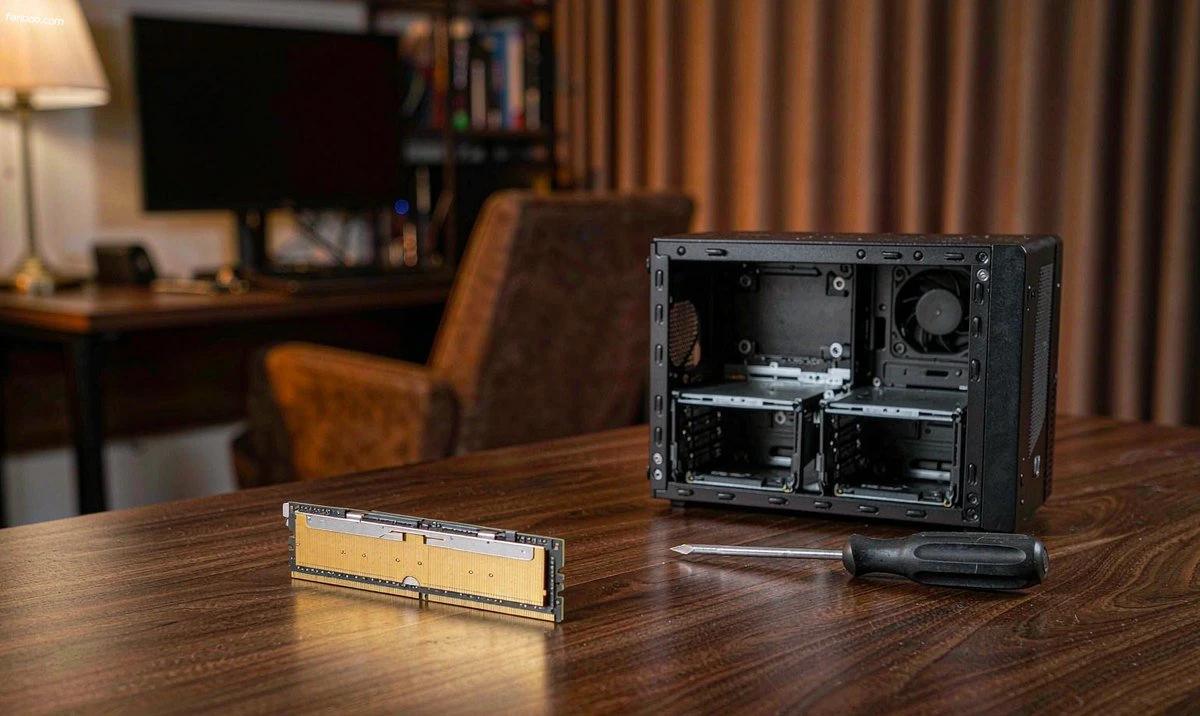
First, let's clarify how far this round of increases has gone.
To look at storage prices, you first need to distinguish two terms, otherwise it is easy to get confused.
One is contract price, the bulk price negotiated monthly or quarterly between memory makers and large customers, which determines the cost of system builders. The other is spot price, the price at which transactions happen at any time in the channel market, which is more emotional and closer to the numbers you and I see on shopping pages. The former sets the direction, the latter sets the mood. They are often out of sync, and this time they are.
On the contract price line, the increase has been declining over the year. TrendForce's tracking data is: in 2026, general-purpose DRAM contract prices rose 90%~95% quarter-on-quarter in Q1, 58%~63% in Q2, 13%~18% in Q3, and an estimated 10%~15% in Q4. Nine consecutive months of increases, but each quarter was milder than the previous one. Reuters' November 2 report gave a specific coordinate: mainstream 16Gb DDR5 chips were about $47.5 each in August, rose to $50 in September, and overall prices doubled compared with the end of 2025.
On the spot line, it tightened again in November. On November 3, industry media reported that Samsung Electronics suspended DDR5 contract quotations in October, and the resumption time might be pushed to mid-November; SK hynix and Micron followed suit, telling downstream customers that "there is no stock to sell", and within a week DDR5 spot prices were pushed up. This report has not been publicly confirmed by manufacturers, so take it with a grain of salt—but it matches TrendForce's updated spot market data on November 2: DDR5 16Gb average price $61.50, DDR4 16Gb average price $82.80, and DDR4 8Gb average price $46.86.
Wait. DDR4 is more expensive than DDR5?
The most counterintuitive point: the older generation is actually more expensive.
For the same 16Gb chip, DDR4 is quoted at $82.80, while DDR5 is quoted at $61.50. The older generation is higher than the new generation, and this inversion is rare in a normal replacement cycle.
The reason is not complicated: manufacturers are shutting down DDR4 production lines. According to supply chain information (Huashang Net reported on November 3), SK hynix cut the share of DDR4 capacity from 30% in 2024 to 20% by the end of 2025 and plans a full production halt in 2026. Once the production lines stop, DDR4 on the market changes from "normal supply" to a game over existing stock—demand is still there, because a large number of old machines, industrial control equipment, and four-bay NAS units from earlier years all use it, while supply is shrinking.
This point is particularly painful for NAS users, because NAS is one of the few devices where "the older it is, the more it should get a memory upgrade". A 2019 four-bay machine can still handle a full workload today; the only thing holding it back is memory capacity. And it uses exactly DDR4.
My view is straightforward: if your machine is a DDR4 platform and is only a little short on capacity (for example, 4GB and you want to get to 8GB), this year this money is very likely "the least cost-effective purchase". For the same budget, you get less capacity, and adding a stick next year will be even harder. At this point, it is better to change direction—move the budget to drives, or simply admit that this machine's memory ends here. This is not nice to hear, but it is more practical than having you spend an extra 300 yuan on two sticks of unknown origin.
The tier that rose the most is not the one you need to buy.
TrendForce's Q4 estimate is broken down by category: server RDIMM up 18%~23%, enterprise QLC SSD up 23%~28%, overall NAND up 15%~20%, overall DRAM up 10%~15%. In contrast, PC DRAM and consumer SSDs are only up 3%~8%.
3%~8%, indeed not the same thing as those "surged by 50%" in the headlines. Where is the difference? In whom manufacturers give advanced wafers to. SK hynix said on its earnings call that it has signed long-term supply agreements with 14 core customers, locking in volume equivalent to more than 50% of total capacity for 2027 and 2028 combined; including those still under negotiation, by 2029 DRAM and HBM capacity is already close to sold out.
In other words, it is not "there is no memory", but "memory has been bought ahead of time". Consumer-grade gets the remaining part, and this remaining part is still rising, just more slowly, and there is still inventory piled up in the channel.
This is an "allocation" problem, not a "capacity" problem. An allocation problem will not fix itself after a couple of months—new fabs will start production as early as mid-2027, and large-scale volume release will wait until the second half of 2028 (Tencent News reported on November 2). So do not plan your upgrade schedule on the assumption that "if I wait a bit, prices will fall".
So should you actually add it now or not?
Don't go by general conclusions; see which category you're in.
- Capacity is already affecting daily use—Photo recognition takes ages, starting two Docker containers already strains it, and every VM you start lags. Buy. Don't gamble on a price drop; you've already been unhappy about this for months, and the small price difference you wait back won't buy back the experience of these months.
- Only "want to upgrade" or "might be useful later"—Don't move. The channel side is already loosening: since October, Huaqiangbei quotes for 16G DDR5 memory modules have stayed at 1400–1600 元, sales have fallen by 20–30% vs. September, and some merchants show price inversion (media channel tracking on November 2). End demand is retreating; buying a few extra sticks and letting them sit at this point is taking on inventory for upstream.
- Older DDR4 platforms—Run the above calculation first. DDR4 of the same capacity is more expensive than DDR5, and adding memory has the lowest cost-effectiveness in this scenario. If you really want to speed things up, first check whether the bottleneck is actually memory; the random read/write of mechanical drives is often the real bottleneck.
By the way, to judge whether memory is enough, don't look at that percentage in Task Manager. Look at two things: in Synology or QNAP memory usage, how much is taken by cache and how much available remains; and whether your Docker containers have ever been killed because of a memory limit. The former means the system is buffering for you; the latter means it's really not enough.
When buying, prioritize capacity; frequency comes later
A NAS is not a gaming machine, and this sentence is worth repeating. The memory controllers on the vast majority of NAS units run at JEDEC standard frequencies: DDR4 is 2666 or 3200, and DDR5 is in the 4800/5600 range. The 6000 and 6400 you pay extra for cannot run on a NAS at all—neither the platform nor the firmware gives you an entry point to enable XMP or EXPO.
With the same budget, first buy capacity up to what you need. Going from 8GB to 16GB means far more for photo recognition, the number of containers, and the number of VMs than any frequency number.
One more point that is often overlooked:Buy enough at once; don't add in batches.The reason is not a guess like "it will be more expensive later," but three hard facts.
- Mixing modules is a matter of luck. With modules from different batches and with different dies plugged in together, whether it will POST and whether it can run dual-channel are not guaranteed. A NAS is also not like a desktop, where you can just open it up and try once without worrying.
- The same model will go out of stock. DDR4 production lines are already being wound down; the model you buy this year may not still be on sale next year, and when you need to add one then, you can only take a chance.
- There are only so many slots. Four-bay machines' SO-DIMMs often have only two slots; putting in one 8GB stick first and adding another later means using up both the "dual-channel" and "capacity ceiling" options ahead of time at the same time.
As for how to configure tiers—what to put on the system disk, cache disk, and storage disk respectively—I covered it inanother post.I tore that down there, so I won't repeat it here. If you're still choosing mechanical drives, the one on CMR and SMRhard drive purchasing guideis even more worth reading first: buying the wrong drive during a price increase costs you more than buying an expensive drive.
Three types of modules—don't use them in a NAS
- Server RDIMM / LRDIMMThe registered kind has a pin definition different from ordinary UDIMM; a consumer NAS can't take it, and forcing it in won't even POST. On the second-hand market these modules are absurdly cheap, and many people think they've found a bargain.
- Pulled modules and unbranded white-label chipsA NAS is a device that runs 7×24 for three to five years; memory problems don't show up as a blue screen but as filesystem checksum errors and snapshot corruption—such errors are hard to attribute afterward, and you'll only suspect the drives. What you save may cost you data.
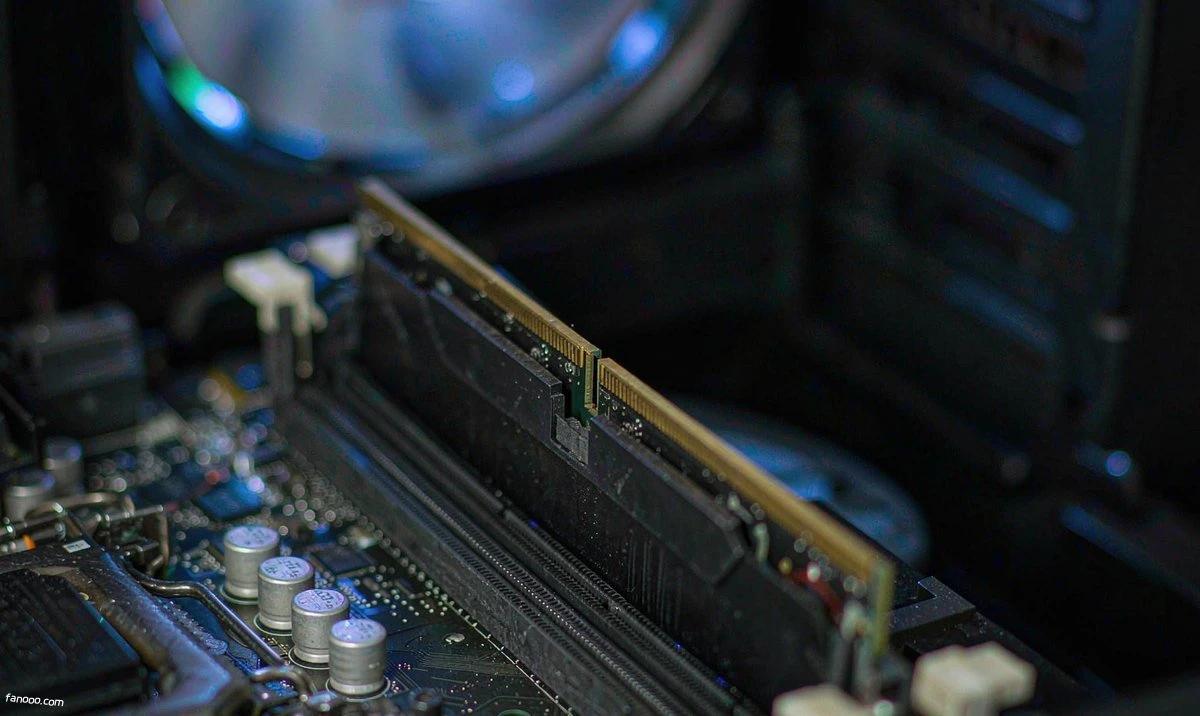
- High-frequency modules with tall heat spreadersThe airflow path in a NAS chassis is already narrow; the extra few millimeters from a heat spreader often hit the drive cage or prevent the cover from going back on; the extra cooling capacity it adds is also useless in a low-voltage NAS scenario.
For picky machines like Synology, there's one more step: first check the compatibility list on the official website. Modules outside the list aren't necessarily unusable, but if something does go wrong, the vendor's first words will be "non-compatible memory," and you won't even have room to argue.
My judgment, in three sentences
First, the driver of this price increase is AI competing for wafers, not consumer demand. So don't plan on the basis that "it will drop in a couple of months"—new capacity won't reach scale until after 2027, and Intel's line is that memory supply tightness may last until the end of 2027 (Reuters, November 2 report).
Second, but there's no need to rush to buy extra. The consumer tier rises only 3%–8% in Q4, channels still have inventory, and there are even inverted prices; what's really short is server modules and enterprise SSDs, which has little to do with this four-bay machine at home.
Third, what most needs changing is the purchasing order, not the purchasing timing. First check whether the bottleneck is memory, buy enough capacity in one go, and don't pay extra for frequency—these three are worth far more than "waiting for a price drop."
Back to the question at the beginning. My answer is: if that machine is already holding you back, add memory and don't wait; if it's just an itch, this year's round is not the year to add memory. If you really are going to spend the money, first be clear whether you lack capacity or lack a reason to replace the machine—these two answers correspond to completely opposite actions.
One more thing: the ceiling on memory capacity often determines what you can do on a NAS. If you want to run models locally, the memory requirement is on a completely different scale from "running two more containers," and I havein this articlecalculated the cost. As for the just-launched domestic ARM four-bay machines, the official copy doesn't even state the memory capacity; in that case you should ask clearly before ordering—you can seeThe Z4Air post。
Sources: TrendForce DRAM spot price page, updated on November 2, 2026 (DDR5 16Gb average price USD 61.50, DDR4 16Gb average price USD 82.80, DDR4 8Gb average price USD 46.86, all USD-denominated average spot prices for chips); TrendForce 2026 conventional DRAM contract price quarter-over-quarter increase data (Q1 90%~95%, Q2 58%~63%, Q3 13%~18%, Q4 estimated 10%~15%) and Q4 category estimates (server RDIMM 18%~23%, enterprise QLC SSD 23%~28%, overall NAND 15%~20%, overall DRAM 10%~15%, PC DRAM and consumer SSD 3%~8%), as relayed by Sohu Tech in a November 2026 report; Reuters report on November 2, 2026 (DRAM wholesale prices rose for nine consecutive months, 16Gb DDR5 rose from about USD 47.5 in August to USD 50 in September, Intel's judgment on tight memory supply), as relayed by UAnalyze the same day; an industry media report on November 3, 2026 (Samsung suspended October DDR5 contract quotes, with resumption possibly delayed to mid-November, SK hynix and Micron followed, the "no goods to sell" statement, DDR5 spot prices rose within a week), this was not publicly confirmed by manufacturers; contents of SK hynix's Q3 FY2026 earnings call (signed long-term supply agreements with 14 core customers, locked volume equivalent to more than 50% of total capacity for 2027 and 2028 combined, DRAM and HBM capacity for 2029 nearly sold out), as relayed by Sohu Tech; Huashang Net report on November 3, 2026 (SK hynix's DDR4 capacity share was cut from 30% in 2024 to 20% by the end of 2025, with plans to fully stop production in 2026, this is supply chain information); Tencent News report on November 2, 2026 (new fabs will start production as early as mid-2027, large-scale volume ramp will have to wait until H2 2028); media channel tracking on November 2, 2026 (Huaqiangbei 16G DDR5 memory module quotes at 1400~1600 yuan, sales down 20%~30% from September, some merchants had price inversion). Prices in the article are all relayed from the above sources, no currency conversion was performed, and numbers were not merged across sources; actual transaction prices are subject to the official current prices of each manufacturer and platform. Judgments about the cost-effectiveness of upgrading the DDR4 platform, capacity vs. frequency trade-offs, and mixed installation and slot strategies are personal analysis; no actual testing was performed on any memory model mentioned in the article.