QNAP NAS has an AI agent installed: What can QuAgent do?


Yesterday I had just finished writing that “no longer supported” list for QNAP QTS 6.1 public beta, and this morning when I checked the official website, I found they had released something new again: QuAgent, an AI agent installed on NAS that commands the system with natural language; the release date is October 27, and the source is the official post from the QNAP official website newsroom.
First, my first reaction—this is nothing new. What really made me look twice was the few lines of small print in the official post: the supported models list only a few x86 product lines, and the system requirements say QTS 6.1 or QuTS hero h6.1. In other words, right now this thing is not “installable by everyone,” but only touchable by that small group of people who “have just upgraded to the public beta system and whose machines are new enough.”
As for what it can do and whether it is worth the effort, let’s break it down below.
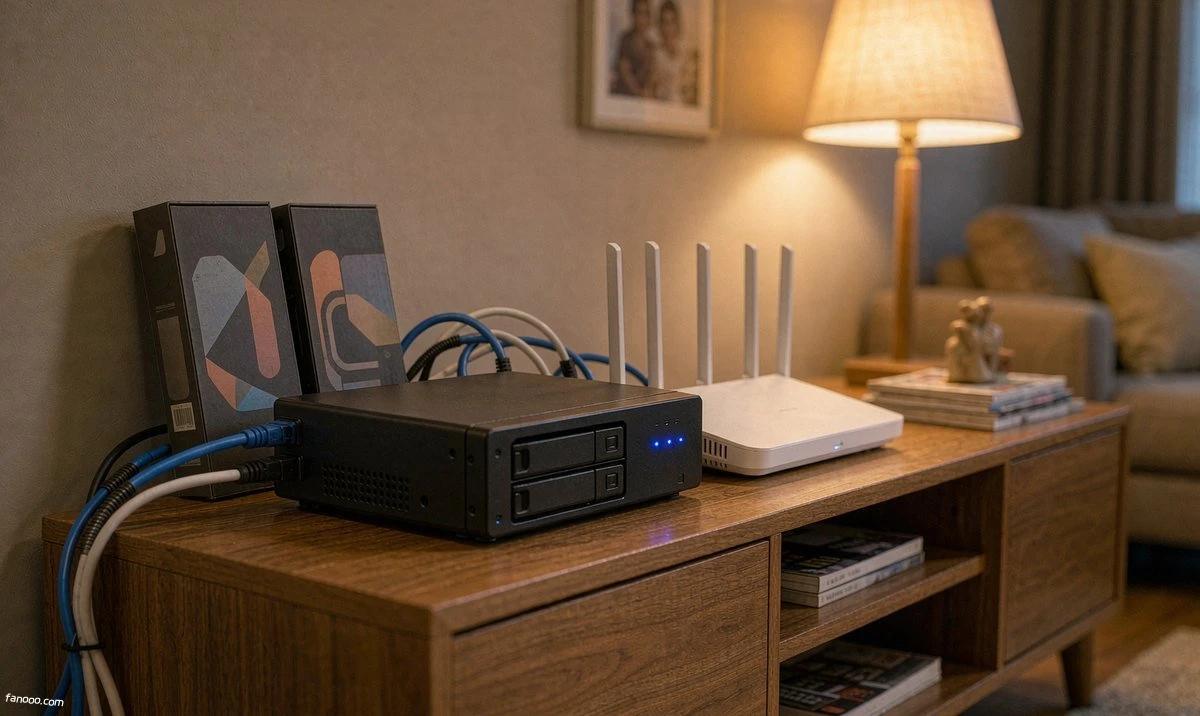
First, let’s make the timeline clear.
The official post was issued in Taipei, dated October 27, 2026, with the title “QNAP Launches QuAgent AI Agent Platform for NAS Management”; also released alongside QuAgent Beta is an assistant called Aina—the two are one set: QuAgent is the platform, and Aina is the object you converse with.
There is an easily overlooked chronological relationship here. QuAgent requires QTS 6.1 or QuTS hero h6.1 and above—and 6.1 is still in the public beta stage (for this point, see yesterday’sQTS 6.1 public beta postwhere I checked the version numbers). So the order is fixed: first upgrade to the public beta system, then install QuAgent, with the two betas stacked together.
The official post does not mention pricing, nor does it say whether this set requires an additional license; it only says it is installed via App Center, and model management relies on the AI Service Center package. Whether it is charged is subject to the App Center page on your machine; I won’t guess on their behalf.
The five capabilities given officially, translated into plain language.
The press release lists five items; I reordered them by “whether ordinary home users would use them”:
- Use plain language to make it work: The official example is “find videos added last week”; Aina understands the intent itself before executing, so you don’t need to memorize commands or click through menus layer by layer.
- Chain workflows across packages: It connects to File Station, QuMagie (photo album), HBS (Hybrid Backup), and the Hyper Data Protection suite. What used to require opening three windows and clicking a dozen or so times is now triggered with one sentence.
- Read logs to find anomalies: It connects to QuLog and does more than keyword search: it analyzes system events, login records, and anomalous access patterns. I’ll discuss this one separately later; it is more useful than a chat box.
- Turn conversations into scheduled tasks: A task done once can be saved into “My Schedules” and turned into a recurring task; there is also “screen awareness,” which can identify which application window you currently have open and then ask questions about that window.
- Permissions and model selection: Multi-user session isolation and access control; local models and cloud large models can be switched; high-risk actions such as deleting files and changing system settings require secondary confirmation.
Sounds quite complete. But each item comes with a prerequisite behind it, and that is the part that needs to be made clear.
The first hurdle: whether your machine is on the list
The official list covers only three categories:
- x86 platforms, x74 series and above; examples given are the TS-x74 series and TVS-h874;
- TVS-AI series, with TVS-AIh1688ATX as an example;
- QAI edge AI storage server series, with QAI-h1290FX and QAI-16700 as examples.
This list has a very practical implication: ARM models are basically excluded. Those two-bay and four-bay entry-level machines costing two to three thousand yuan—exactly the batch with the largest home shipment volume—are highly likely not installable. The official announcement uses the wording "examples" and does not provide a complete support list, so whether it can ultimately be installed must be checked in the official website's support list by your specific model; don't draw conclusions just from this paragraph.
There is also a naming pitfall. QNAP's new model naming over the past two years differs from before, for example the four-bay Qu405 series from early October (I discussed the hardware trade-offs inthis 2599-yuan machinein the teardown), it neither belongs to the old wording "x74 and above" nor is it in TVS-AI or QAI. Whether such machines are on the list, the official announcement does not say, and I don't dare to determine it on their behalf. Those who want to use this feature before buying should check the list first, then place the order.
The second threshold: it must first run on the public beta system
This is a bigger blocker than the model. QuAgent is not a standalone package; it relies on 6.1 system capabilities, so to use it you must first upgrade the production machine to the public beta version.
My view is the same as yesterday: don't upgrade the main data-storage machine to the public beta system for a beta feature. The "no longer supported" list from yesterday's article has not been fully digested—once Python, PHP extensions, phpMyAdmin, and MariaDB are discontinued, any machine that has built a site or run containers needs to be re-reviewed. To touch the system foundation for an AI entry point still in beta, the math doesn't work out.
Cloud model or local model—this is the most critical point in the entire article.
The official release states: users can flexibly switch between a "privacy-focused local model" and a "high-performance cloud large model." This sentence is placed under "permission governance and security"; it is written appropriately, but it sidesteps the two questions readers most want to know: which one is the default? Who is the cloud provider?
The draft does not say.
This is what I want to call attention to. Once an agent that can read file lists, read system logs, and execute delete actions uses a cloud model, what gets sent out is not just the sentence you typed—according to the capability scope described officially, it also includes file names, directory structures, content descriptions in the photo album, and system events in the logs. What do these add up to? What is stored on this machine, how many people are in the household, and when someone has logged in.
A large part of the reason the NAS category exists is that "data does not leave the home." So the first thing after installation, I think, is not to have it find videos, but to go into AI Service Center and clearly check which model it currently points to and whether it uses local or cloud. What the default value is should be based on the interface you see after installation—I cannot give you that answer, I can only remind you to check.
In addition, the local model path is not without cost. The official documentation states clearly: when using a cloud model, the NAS does not need a GPU; when running a local model, it is "recommended to be equipped with a compatible GPU to achieve ideal response speed." That is to say, if you want data to never leave the home at all, the processors of most home machines cannot handle it; either tolerate slowness or add hardware. If you really want to run a local model on a home machine, you can refer tothe local AI NAS articleand first calculate the threshold in it before deciding whether to buy a card. By the way: most of what runs locally are open-weight models, and open weights do not equal commercial usability; the license must be checked in the original text—only Apache 2.0 and MIT count as permissive—this point Imentioned in the October small model articleonce, and it still holds here.
Can secondary confirmation block accidental deletion?
The official documentation specifically states that "high-risk actions such as deleting files and changing system settings require explicit secondary confirmation." This design is correct, but what it blocks is accidental touches, not misunderstanding.
Where's the difference: if you accidentally click delete, the pop-up can stop you; but if the agent interprets your sentence "clean up the old files from last week" as "delete all files older than three months in some shared folder," it will ask you in the pop-up "Are you sure you want to delete these 420 files?"—you will most likely click confirm, because you think it understood correctly. For things deleted on a NAS through a sharing protocol, many models have no recycle bin as a safety net.
So if you really want to use it, permissions must be granted from the minimum. This isn't an official requirement; it's my suggestion: create a separate shared folder for it as a test bed, and run it for two weeks first with a read-only account or one limited to a specific directory, to see how it actually interprets what you say. Don't start with an administrator account, and don't hand it a folder containing the only copy of your data.
What is actually worth trying is the logging part.
Among the five capabilities, I'm not very interested in "find last week's videos"—that sort of thing takes three seconds with a search box. The QuLog item, by contrast, is the part I think is most valuable in this whole thing.
The reason is that login records are the most easily overlooked thing on a home NAS. Someone repeatedly trying passwords from the external network, a client on an old phone still stubbornly using an expired password, a strange IP showing up at 3 a.m.—all these things leave traces in the logs, but no one is going to go through them every day. Having something read them once a day and only pick out the anomalies to tell you is a real convenience.
However, there is also a concern here that I cannot verify: the logs contain external input, such as usernames used when others try to log in and URLs that were accessed. In theory, this content also enters the model's context. If it uses a cloud model, that is equivalent to sending externally controllable strings into your own analysis workflow. Whether this counts as an entry point for prompt injection and whether the official side has handled it are not mentioned in the draft, and I don't know either. I'll mark this as "personal speculation" here; don't treat it as a conclusion.
My judgment: three types of people, three answers.
If you have a tinkering machine on hand and the system is already in public beta: You can install it; it's worth playing with for two days. Focus on two things—where the model points and how it interprets vague instructions. This is more useful than reading the launch press release.
The main data-storage machine: Don't touch it for now. The reason isn't that this thing is bad; it's that it requires you to upgrade to the 6.1 public beta first, and the risk of that step has nothing to do with AI anymore. Wait until both the 6.1 official release and the QuAgent official release are out; you won't miss anything in the intervening months.
Users of entry-level ARM modelsThis news has little to do with you; just enjoy the spectacle. Vendors giving new features to the high-end line first is standard practice in this industry, so there is no need to feel you bought too early.
As for whether “NAS plus an AI agent” is itself worth following—I think the direction is right, but the timing is early. What will really change daily use is “schedule automation” and “log anomalies,” not that chat box. The chat box is the entry point; the underlying packages are what do the work. When a vendor makes these three things stable—automatically organizing new photos every day, notifying on abnormal login, and retrying failed backups by itself—that will be the watershed for home NAS.
If you want to try it, do three things first
First, go to the official support list and confirm by model whether it can be installed; do not trust any claim of “full-series support,” including the examples in this article.
Second, keep a copy elsewhere first of the data in the shared folder you are going to hand over to it. Not RAID, but a copy of data you can open on another device or on a drive you have pulled out.
Third, after installation, first check the model settings in AI Service Center, then decide whether to give it network access permission.
This article is based on: QNAP official press release “QNAP Launches QuAgent AI Agent Platform for NAS Management, Turning Conversation into Action” (qnap.com newsroom, issued in Taipei, October 27, 2026); descriptions in the article of features, supported models, system requirements, GPU recommendations, secondary confirmation, etc. all paraphrase the original text of that release; the basis for QTS 6.1 still being in public beta is this site's October 27 articlecited official release notes. The official release does not mention the licensing method or price; refer to the App Center page; “whether it uses cloud models or local models by default” and “whether log content constitutes a prompt injection entry point” are personal speculation, have not been tested, and official documentation does not explain them either.